Browser Automation · Case Study
Krawlify Browser Extension & Relay
A Chrome extension and a small relay that let Puppeteer or Playwright drive the browser you are already signed in to — in tabs the automation opens for itself, without relaunching Chrome on a debugging port.
Overview
Every workaround for bot protection eventually runs into the same wall: the browser doing the crawling is not the browser you actually use.
A headless Chrome announces itself a dozen ways, and the fingerprint you spent
a week faking is stale by the next release. Exporting cookies buys you time
until the session rotates or the IP moves. And relaunching Chrome with
--remote-debugging-port hands your entire profile to whatever connects —
every tab, including the ones that have nothing to do with the crawl.
So this inverts it. Rather than building a browser that imitates yours, the automation drives yours. There is nothing to imitate, because the profile doing the crawling is the one already signed in.
Why there are two pieces
chrome.debugger is the only way to speak the DevTools Protocol to a normal
Chrome that was not started with a debugging port open. That means an
extension. And a Manifest V3 extension cannot listen on a port, so it can only
dial out.
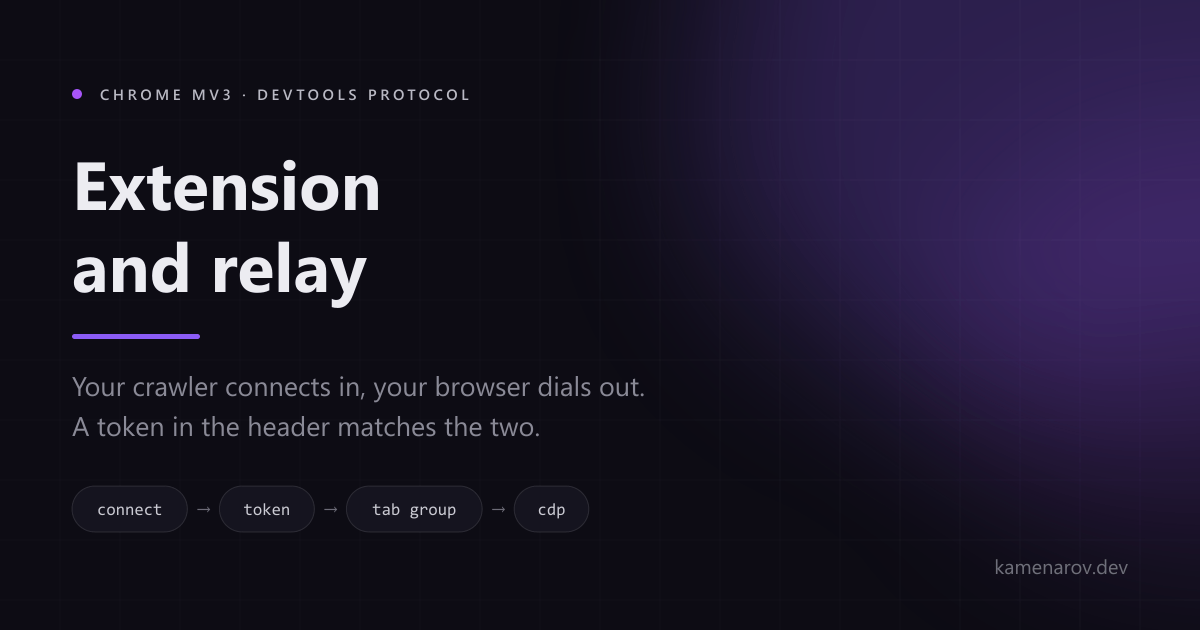
The relay is the fixed address both halves can reach. Your crawler connects
in, your browser connects out, and the token in the header decides which
browser a given crawler gets. The relay itself is one Node process with a
single dependency, bound to 127.0.0.1 unless you say otherwise.
That is why they share a repository. Neither is much use without the other.
const browser = await puppeteer.connect({ browserWSEndpoint: 'ws://127.0.0.1:9333/devtools/browser/<guid>', headers: { authorization: 'Bearer <token>' },});const browser = await chromium.connectOverCDP('http://127.0.0.1:9333', { headers: { authorization: 'Bearer <token>' },});What the isolation actually buys
A tab becomes visible to the automation by being created by that automation,
and stops being visible when it closes. The crawler can read its own tabs'
DOM, network traffic and screenshots, and cookies if you granted that
permission. It cannot reach your tabs' addresses, titles or contents, and it
cannot reach history, bookmarks, downloads, saved passwords, chrome://
pages, other extensions or the Web Store.
The extension stores three things: the relay URL, a 256-bit token the browser
generated for itself, and whether you last pressed Connect or Disconnect.
Nothing in chrome.storage.sync, no content scripts, no telemetry. The only
connection it makes is to the relay address in its settings, and removing it
clears all three.
Chrome shows its "started debugging this browser" banner the whole time the extension is attached. It cannot be suppressed, and anything claiming to suppress it is doing something you should not want.
Not on the Chrome Web Store
And it will not be. A reviewer cannot determine what this extension does without access to the relay you point it at, and connecting your browser to infrastructure you operate is the entire feature.
It ships as a signed CRX installed by enterprise policy, or a ZIP you load unpacked with developer mode on. The policy route auto-updates and keeps a stable extension ID; the unpacked route does neither.
pobcccfhnlgnmfgbjbidpflioolbadia;https://krawlify.com/install/updates.xmlHonest limits
Driving a real browser through an extension costs a few things, and they are worth knowing before you build on it.
Chrome allows one debugger client per tab, so opening DevTools on a crawler's
tab detaches Krawlify from it. Target.createBrowserContext is unsupported,
which rules out browser.newContext() and incognito — a consequence of using
one real profile rather than an oversight.
Browser.setDownloadBehavior is accepted and then ignored, so Playwright's
download API does not work through the relay.
Where it lives
Source is at kamenarov/krawlify-relay, with the relay published as kamenarov/krawlify-relay on Docker Hub for amd64 and arm64. Install instructions for the extension are at krawlify.com/install.
The extension ships pointed at a hosted alpha relay so the settings page has a working default rather than a blank field. Running your own is one container, and it keeps the crawl traffic off anyone else's machine.
Tech Stack
- Chrome MV3
- chrome.debugger
- DevTools Protocol
- Node.js
- WebSocket
- Puppeteer
- Playwright
- Docker
Key Features
The debugger attaches to tabs the automation created, grouped under a purple Krawlify label. Your tabs are not filtered out of a list — they are not addressable in the protocol at all.
An MV3 extension cannot open a socket, so it dials out. Your crawler connects in. The relay matches the two by the Bearer token in the request, which is what lets one relay serve many browsers.
The relay presents an ordinary DevTools endpoint. puppeteer.connect and chromium.connectOverCDP work unchanged — a different URL and an authorization header, and that is the whole migration.
Tab ownership lives in memory and is discarded when the connection ends. No crawled page content is written to disk, and the relay has no token of its own to leak.
An optional permission granted on the options page and revocable at any time. Without it the crawl still runs; it just fetches from inside the tab rather than reading the jar.
No token and an unknown token look identical from outside — 401 for a missing header, 503 for a plausible token with no browser behind it, 404, 421 and 403 for the wrong tenant, host or origin.
Like what you see?
Let's build something great together.